Keep it in play.
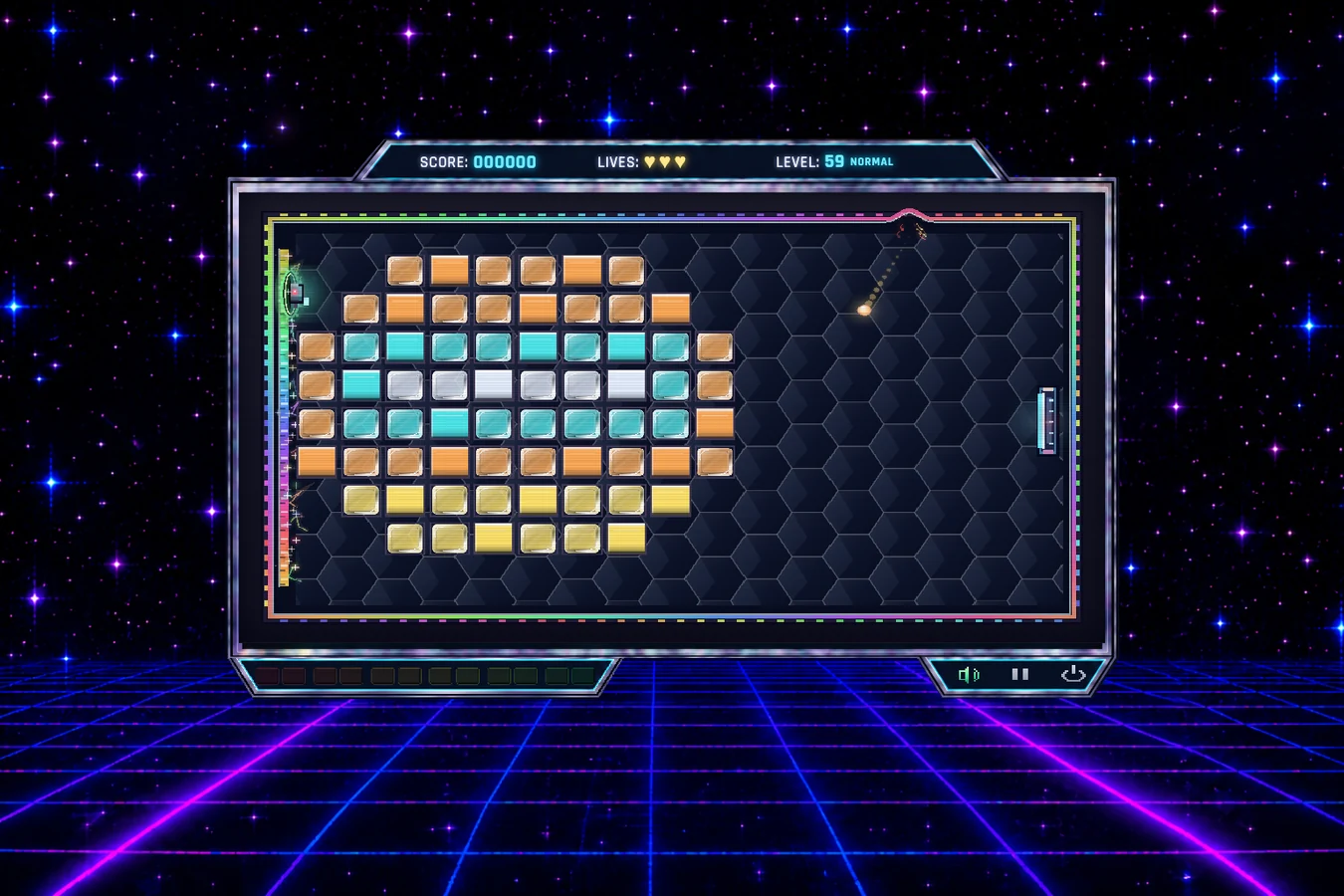
Move the vertical paddle to return the ball into the brickwork. Lose your last active ball and you lose a life. Clear the brick formation to advance.
KRIXON: REBORN / iOS FIELD MANUAL
Know the bricks. Read the capsules. Take control of the chaos. Your iPhone and iPad guide to the neon universe of Krixon: Reborn.
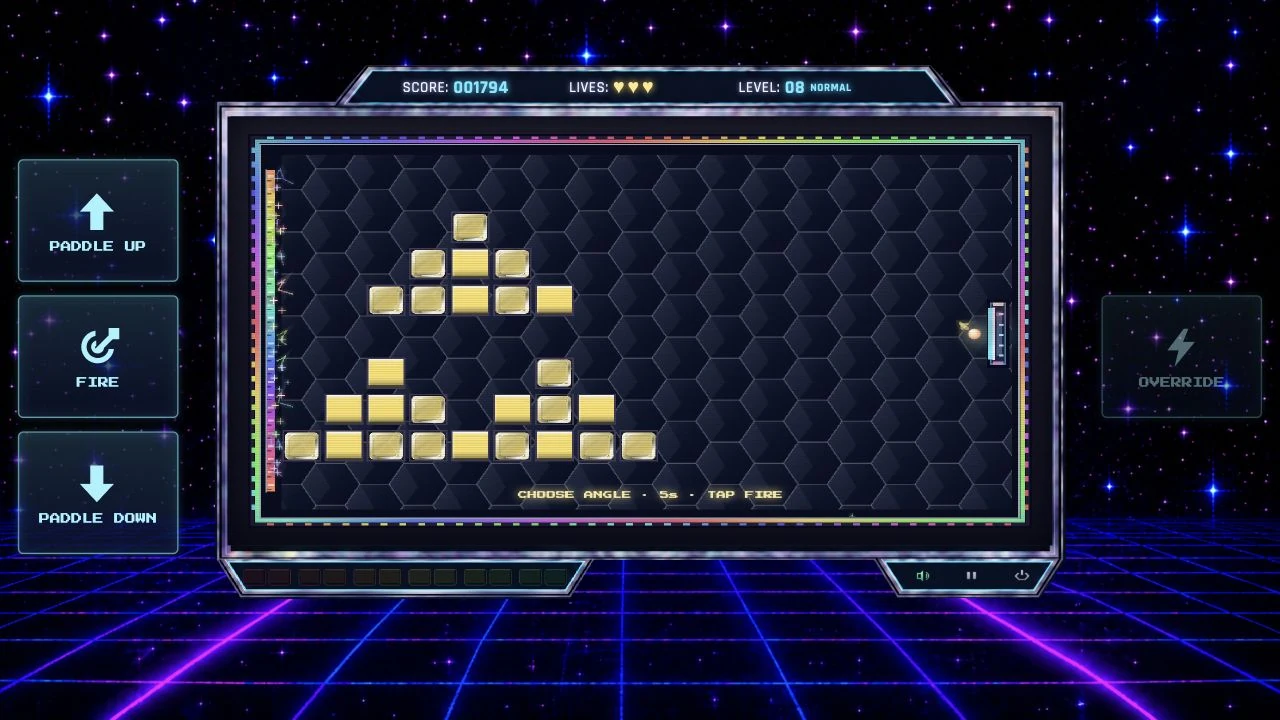 iOS GAMEPLAY / LEVEL 08
01 / GET YOUR BEARINGS
A sideways arcade brick breaker built around angles, alien interference and a very persistent need for one more bounce.
Move the vertical paddle to return the ball into the brickwork. Lose your last active ball and you lose a life. Clear the brick formation to advance.
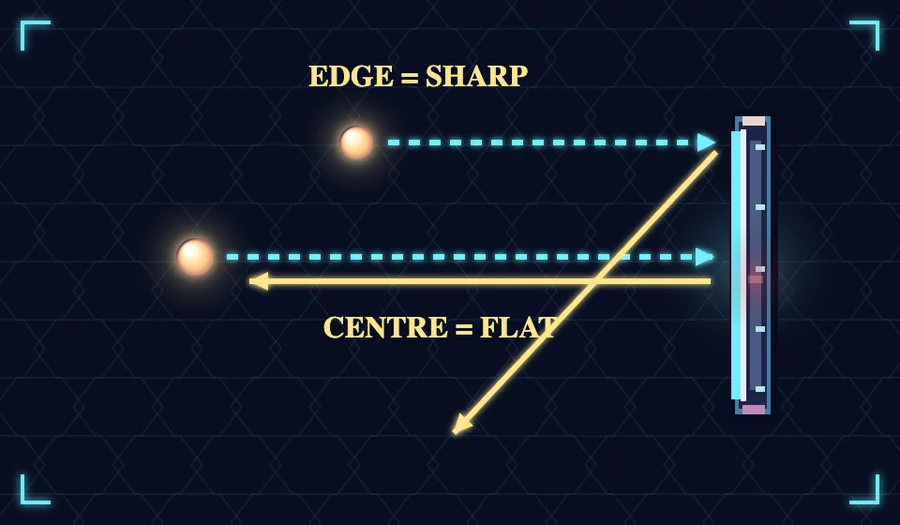
The paddle’s centre produces a flatter rebound; its ends send sharper returns. Aim before releasing a held ball and use the angle to reach awkward gaps.
Helpful capsules can change the rally. Aliens can obstruct your shots and drop hostile gifts. The ball accelerates as you progress, so keep moving with a purpose.
02 / KNOW YOUR TARGET
One impact breaks it. Simple, satisfying, and not always where you need it.
The first hit removes part of the glass coating. The next finishes the job.
Crack it, strip part of the coating, then break it. Watch the visible damage.
Material swatches are illustrations. The approved game uses visible cracks and five coating-loss variants, including damage at an edge or through the centre.
Standard ball speed and bonus availability.
Twice Normal’s speed; bonus availability is reduced to half.
2.5× Normal’s speed; bonus availability is reduced to a quarter.
03 / IDENTIFY THE DROP
The full directory: 13 power-ups and 9 power-downs. Useful capsules come from the brickwork. Alien drops may be less generous.
22 effects

Catch the ball. Aim. Release.
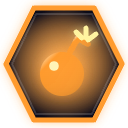
Blast nearby bricks on impact.
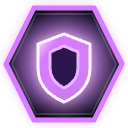
A temporary safety net behind the paddle.

Load one missile. Tap FIRE to launch it.
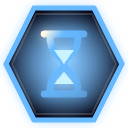
Slow the ball for a little breathing room.

Double the points you earn.

Add another ball to the chaos.

Gain a life, up to six.

Make the paddle longer.
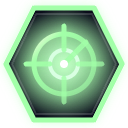
Preview where the ball will arrive.

Move the paddle faster.

Tap FIRE to shoot while charged.

Warp straight to the next level.
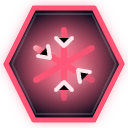
Movement stops briefly. Bouncing still works.

Removes one of your extra balls.

Sends the ball off at a nasty angle.
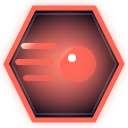
The ball gets a temporary speed boost.
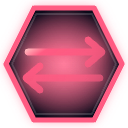
Up means down. Down means up.

Makes the paddle shorter.
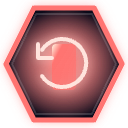
Slows your paddle movement.

Warps the live playfield with CRT glitches.
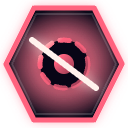
The ball fades in and out. Watch its distortion.
No capsule matches that search. Try “ball”, “laser” or “freeze”.
04 / BANK ENERGY. BREAK THE RULES.
Every two defeated aliens earn one energy point, up to six. Tap your assigned OVERRIDE touch sector at 2+ EP. The energy you have selects the ability; any unspent points stay.
2–3 EP AVAILABLE / COSTS 2 EP
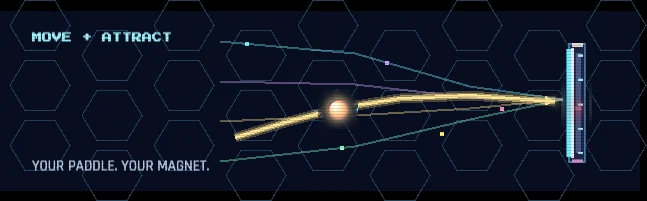
The paddle attracts the ball. The closer it gets, the stronger the pull. A paddle bounce releases the magnet; hitting a brick or alien switches it back on.
Capsules and alien shots still affect the paddle.
4–5 EP AVAILABLE / COSTS 4 EP
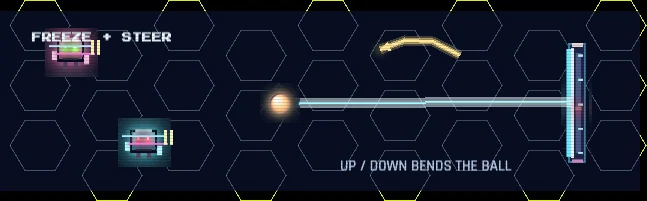
Aliens freeze and the paddle moves to the centre. Your Paddle Up / Paddle Down touch sectors now steer the ball. Speed is 75% of the normal speed for your difficulty.
Automatic magnetic pull is off. Pickups and alien shots cannot touch the paddle.
6 EP AVAILABLE / COSTS 6 EP
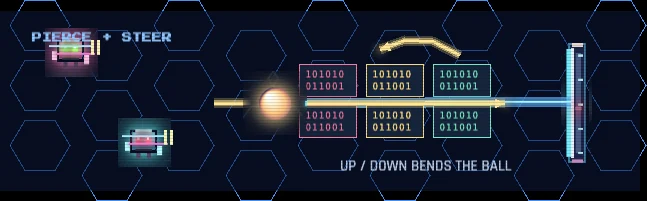
Touch steering, frozen aliens and a larger ball that pierces every brick on contact. Five seconds to make a serious difference.
Still at 75% speed. Walls and the paddle still return the ball.
05 / THE REBORN LEVEL ATLAS
Games, cinema, music, art and retro technology become colourful brick mosaics. Browse the approved campaign below — a reference atlas, with no gameplay.
Spot the reference.
Shatter the pattern.
Layout diagrams show the starting colour arrangement, not a live game or material-damage simulation. Cultural references identify the campaign’s inspirations.
06 / BUILT FOR YOUR THUMBS
Play in landscape on iPhone or iPad. Hold a movement sector to steer, tap FIRE to launch or shoot, and bank energy for OVERRIDE.
07 / YOUR NEXT PERSONAL BEST
Krixon: Reborn uses Apple Game Center for online high scores, with separate leaderboards for Normal, Hard and Hardcore.
Sign in to Game Center in your device’s Settings. The game uses your Game Center player name; no separate Pixel Bard account is required.
Open High Scores and select a difficulty. When Game Center is available, the table shows the global top 10 and your position when you are outside that group.
If Game Center is unavailable or you are offline, the game can show scores stored on this device. A signed-in score awaiting submission can sync when the service becomes available.
Game Center profile visibility and account settings are managed by Apple. See the Privacy Policy for how the service is used.
08 / BACK TO THE NEXT BOUNCE
The game saves progress on this iPhone or iPad. Resume Game returns to the saved level, rather than an exact rally. Deleting the app can remove local progress. Game Center leaderboards are separate from your saved game.
Sign in to Game Center in device Settings, then play while signed in. The game submits the score to the leaderboard for your difficulty. High Scores shows whether you are viewing Game Center or the local backup.
Game Center may be unavailable, you may be offline, or you may not be signed in. Check your connection and Game Center sign-in. A score already queued for the signed-in player can be retried when the service returns. Local records are not a replacement for a confirmed online submission.
Open Options → Controls, tap a sector, assign an action and tap Save. Paddle Up, Paddle Down, Fire and Override must each be assigned once. Back without Save keeps your previous controls.
Open Options and change Paddle Side. The arena mirrors to the side you choose; your touch-sector assignments remain configurable in Controls.
Check for an active power-down: Inverse Control swaps movement directions and Paddle Freeze briefly stops movement. In Gravity Control and Ultimate Piercing, the movement sectors steer the ball rather than the paddle.
You need at least two energy points and active gameplay. Every two defeated aliens earn one energy point, up to six. Tap the sector assigned to Override. It is unavailable during transitions and recovery sequences.
Check the in-game sound button, music/effects volume and Voices option, then your device’s volume and audio output. Backgrounding the app can pause or interrupt playback; return to the game and resume.
No. Online leaderboard scores are managed by Game Center. Saved progress, settings and local score backups remain on the device and are not a Game Center cloud-save feature.
This iOS edition includes the 100-level Reborn campaign. The earlier campaign is not included. Legacy records use a separate local storage namespace and do not become Reborn progress.
No. This is the iOS player guide and support site. Its images and layout catalogue are reference material; no playable game or engine is loaded.
Yes. Gameplay includes flashing lights, screen shake and CRT distortion. Some hostile effects deliberately alter the playfield. Consider these effects before playing if you are sensitive to them.
09 / TALK TO PIXEL BARD
Tell us what happened and we’ll have a better chance of tracking it down. Include the version, difficulty, level, iPhone or iPad model, iOS version and the steps to reproduce it.
[email protected] ↗This helper drafts a report on your device. Nothing is sent until you choose to send it from your email app.
Do not include passwords or payment details. Screenshots or a short recording can help explain a visual problem.